Plug an External Model Into Apple's Foundation Models
Part 39 of the series "On-Device AI in Your App, Compared With External Models". Previous: Part 38: 7 On-Device AI Tools for Mobile.
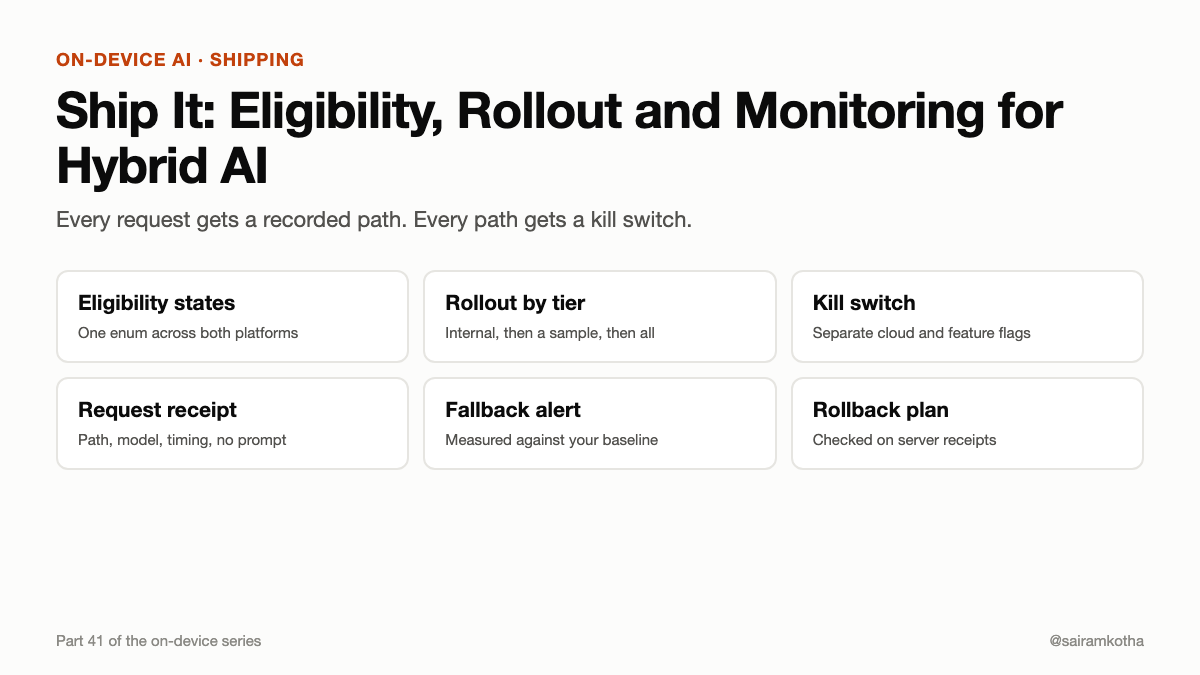
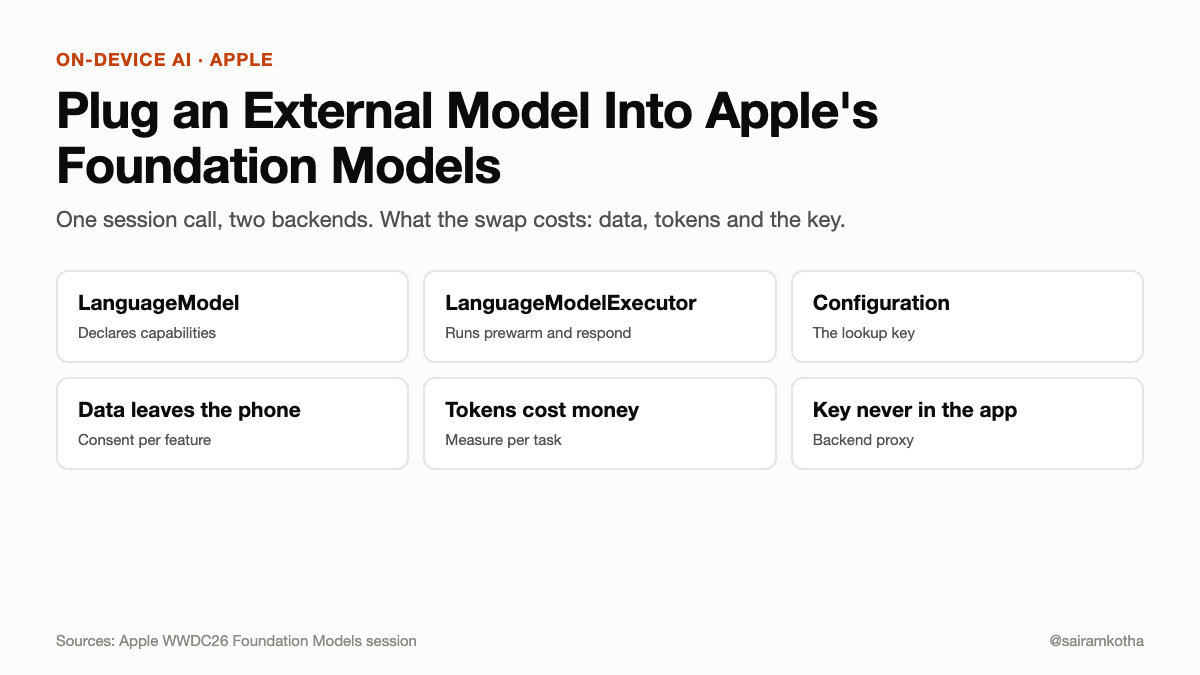
Your Swift code calls a session. The session answers. Today that answer comes from Apple's on-device model. WWDC26 says Claude and Gemini models will also be reachable through Swift packages, with the session code unchanged. That sounds like a one-line swap. It is not, because the moment a cloud model answers, three things change: the text leaves the phone, the bill starts counting tokens, and the API key has to live somewhere. This article covers how the framework is meant to be extended, what the swap costs, and where the key must never go.
What the framework gives you
Apple's Foundation Models framework has a session object. You create a session, give it instructions, send a prompt, and read the reply. Most apps built so far talk only to Apple's SystemLanguageModel. In the WWDC26 session on the framework, Apple describes the extension point as two pieces:
LanguageModeldescribes the model to the framework. It declares what the model can do, through its capabilities, and it provides the configuration the framework needs to set up the model's executor.LanguageModelExecutoris where the work happens. Its initializer takes aConfiguration. It has aprewarmfunction that prepares resources before the first request, and arespondfunction that streams the generation back to the session.
Apple says every language model honors this same protocol. The system model, Private Cloud Compute, Core AI and MLX models, and models built by the community all sit behind it. The framework does not care which one answers, as long as the protocol is honored.
The session says the configuration is Hashable, and that the framework uses it as a lookup key. Matching configurations resolve to the same executor. Our reading, not Apple's wording: the configuration, not the model name, decides whether the framework reuses a warm executor. If two configurations differ in a field you did not expect, you may get two executors and two warm-ups.
Source: WWDC26 session 339, Apple Developer. The session transcripts spell the second type "EXECutor" throughout. This looks like a capitalization artifact in the transcript, so check the spelling in the Xcode 27 SDK before you type it.
What is announced, and what is not
Apple says Anthropic and Google will extend the framework with Swift packages of their own, making their models available to Swift developers. The packages are described as coming, not as shipped.
At the time of writing we could not find a released Anthropic or Google Swift package for this framework. We did not download one or compile one. So this article does not show a working package. It shows the shape the protocol gives you, and the decisions you make around it. Before you build, check the package names, the minimum OS version and the license on the provider's own pages, because they are not confirmed here.
The swap, in principle
Your app code should not know which model answers. The session call looks the same either way:
- Pick a model at setup time. The on-device model is the default. An external model is a configuration you pass in.
- Let the framework resolve the configuration to an executor. Your session code stays the same.
- The executor's
respondstreams the reply back. The UI reads the stream the same way for both models.
If the swap works, the calling code does not change. The reason to design for this now is that the rest of your app will be built around the session type, and changing that later costs more than writing the abstraction now.
What does not swap cleanly is everything around the call. Three things differ between the two paths, and each one needs a decision before you ship.
1. Data leaves the phone
The on-device model sends nothing. An external model sends the full prompt, including the instructions, the conversation so far and any tool results, to the provider's servers. If your prompt holds health notes, a contact list or a bank statement, that data now reaches a third party. Your privacy label, your consent screen and your policy must say so.
Make the consent a decision per feature, not a global toggle. Article 36 covers how to decide which features may send data off the phone. The external path should only handle features that passed that test.
2. The bill counts tokens
On-device inference costs the user battery and heat, which article 31 covered. Cloud inference costs you money per token, and the cost grows with the conversation. A long chat re-sends its history on every turn unless the provider caches it. A feature that looked cheap in a single test can cost much more in a session of twenty turns.
Measure the cost per task before you turn the path on for all users. Article 38 gives the method: one eval set run on every model, with time to first token, total time and cost per task on one scale.
3. The key must not be in the app
An API key stored in the app binary is public. Anyone can extract it from the IPA with standard tools. A stolen key runs up your bill, and you cannot revoke it without shipping an update.
So the external model call goes through a backend you control. The app authenticates the user to your backend, and your backend holds the provider key, calls the model, enforces limits and logs the usage. The app never sees the key. This is the same rule as article 40's server proxy, and it applies whether or not the Swift package exists.
If the package you adopt asks for a key in the app, do not wire it up that way. Put the call behind your server, and use the framework's protocol to point the session at your server-backed model instead.
A worked decision: which features may go to the cloud
Take a notes app with three AI features:
| Feature | Data | On-device ok? | External ok? | Decision |
|---|---|---|---|---|
| Summarize a note | The note | Yes | Only with consent | On-device first; cloud only if the user opts in |
| Suggest a tag | The note's title | Yes | Yes | On-device |
| Draft a long report from 40 notes | Many notes | Often no (context) | Yes, with consent and a size cap | External, behind a backend proxy |
The point of the table is that the swap is a per-feature choice. The framework lets you point one session at an external model. It does not decide for you whether that feature should send its data off the phone.
What to test before you ship
- Swap test. Run the same session code against the on-device model and the external model. The calling code should not change. If you find yourself adding
if model == .externalbranches in the UI, the abstraction is leaking. - Failure test. Turn off the network mid-stream. The app must show a clear error or fall back, and it must not show a half sentence as if it were complete.
- Cost test. Run a twenty-turn conversation and read the token count on the server, not on the phone. Compare it with the estimate.
- Key test. Decompile a release build and search for the provider's key format. It must not appear.
What I could not verify
- Package availability and names. Announced for "soon" in the session. No released package found at the time of writing.
- Exact protocol signatures. This article uses the session's description, not compiled code. Read the signatures in the Xcode 27 SDK before you write a line.
- Per-token billing terms for any external provider. Pricing changes, and this article does not state a price.
- Behaviour of the executor cache across app launches. The session says configurations are a lookup key. It does not say how long an executor stays warm.
#OnDeviceAI #iOS #AppleFoundationModels #AIEngineering #MobileAI
Work with me: I take 1:1 calls on mobile architecture reviews, mobile and AI questions, and startup tech consults. Book a slot on Topmate: topmate.io/sairamkotha
Comments
Join the discussionNo comments yet. Be the first to comment.